Description
What the report contains
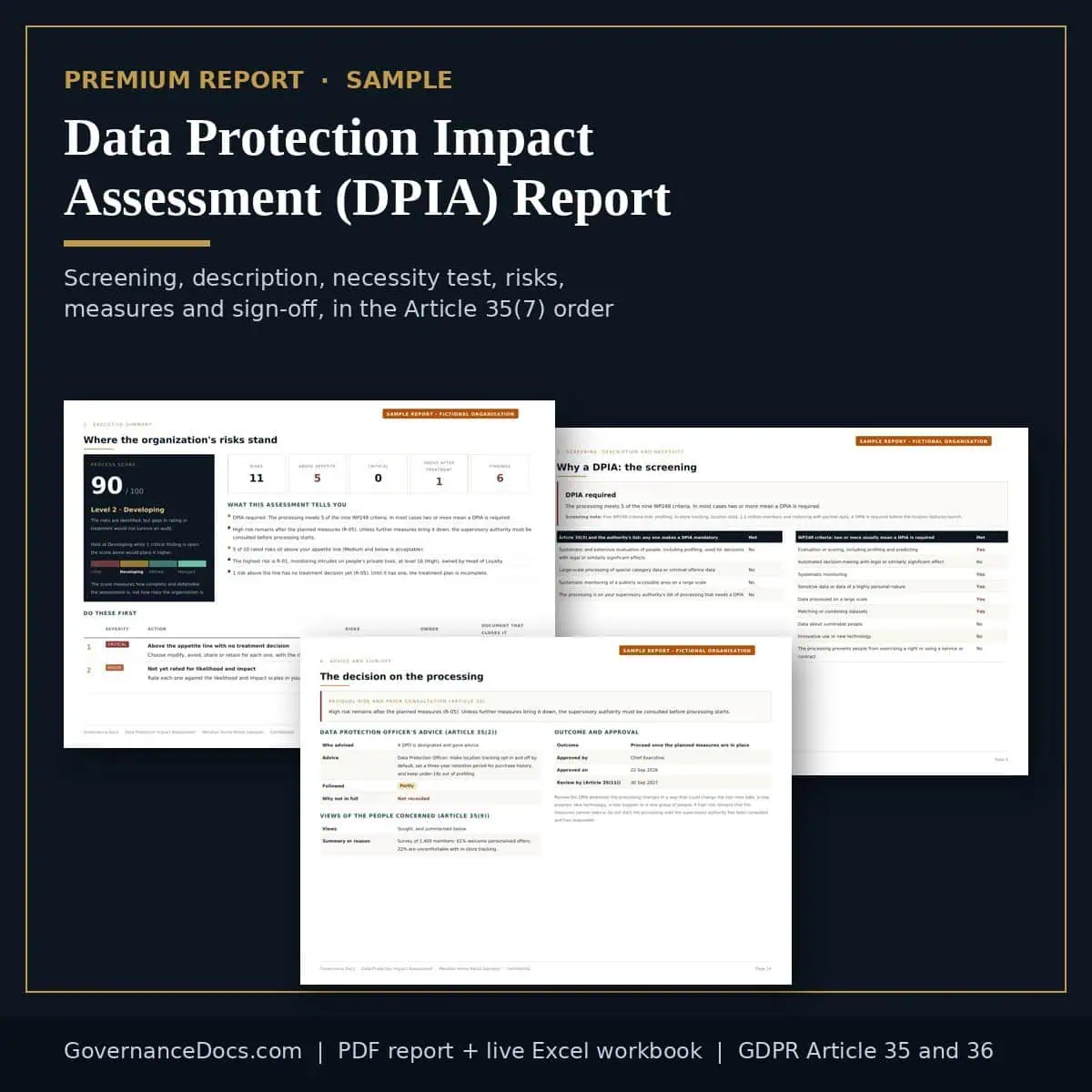
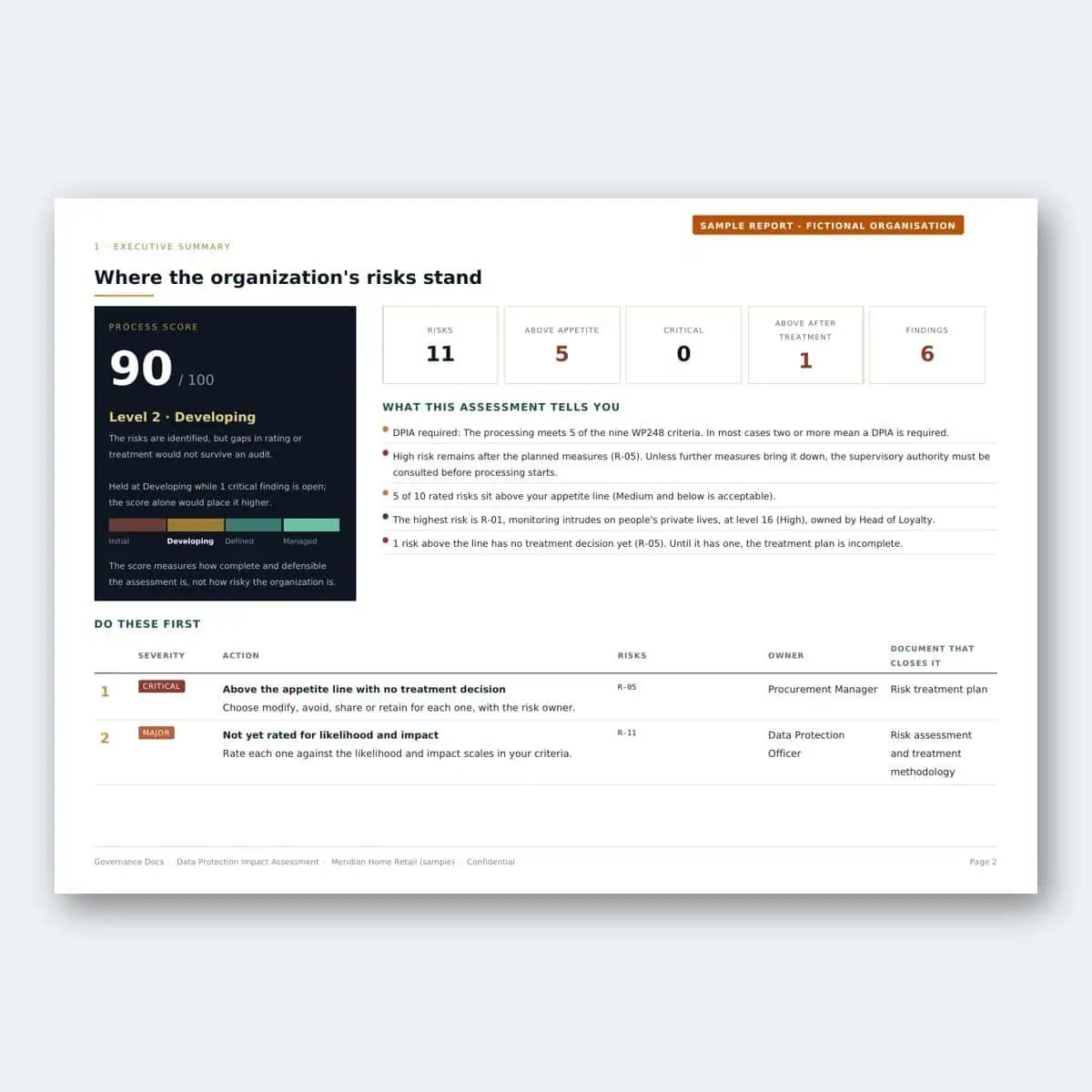
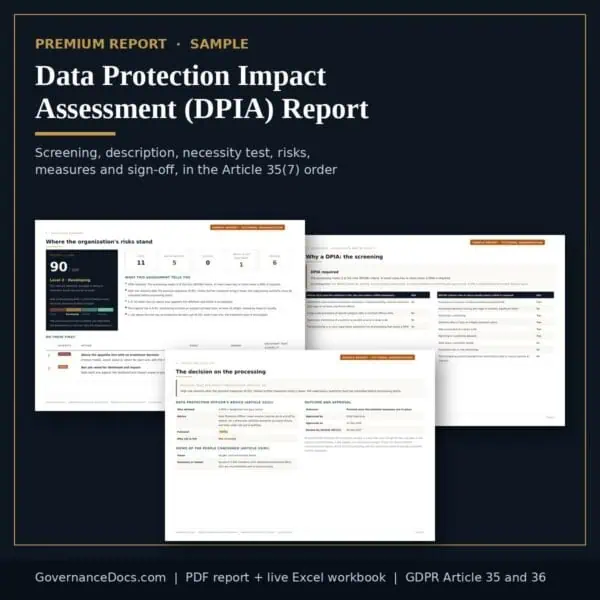
You already have your heat map, your top risks and your findings for free. This is the full assessment behind them, written up as the record a supervisory authority, an auditor or a board expects to see.
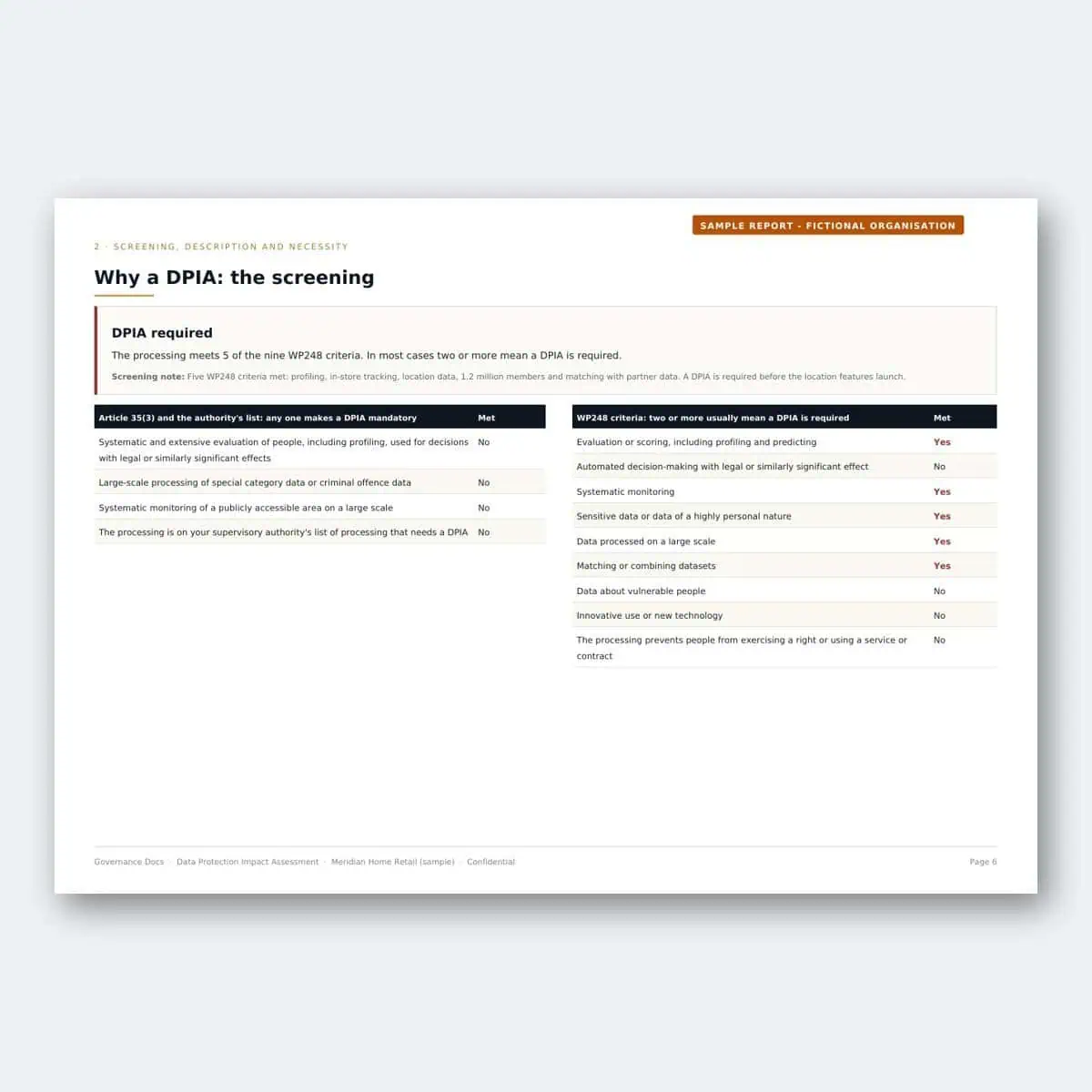
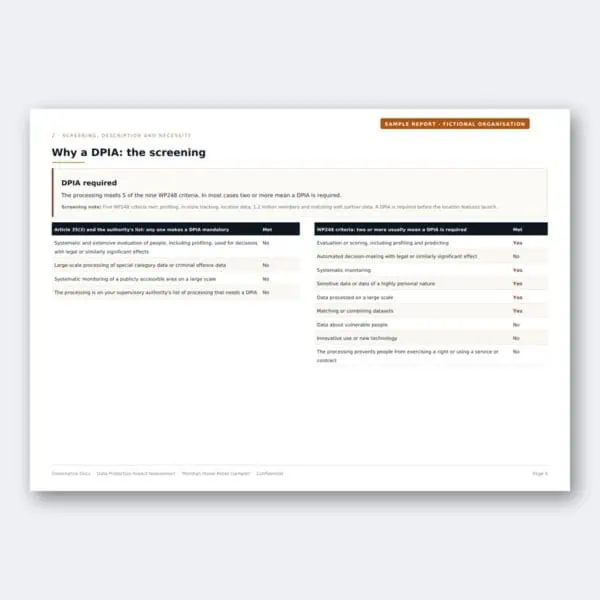
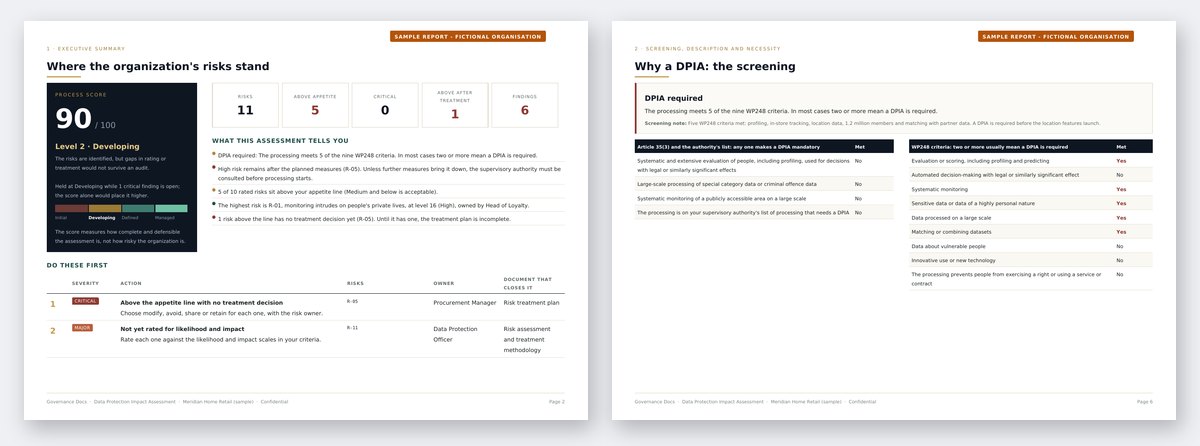
- The screening, recorded. The three Article 35(3) cases, your authority’s list and the nine WP248 criteria, each answered, with the verdict and your screening note: the record an authority asks for even when the answer is no.
- The description of the processing. Purposes, nature, scope, context, lawful basis, retention, recipients and transfers, as Article 35(7)(a) requires, with the personal data, people, systems and processors involved.
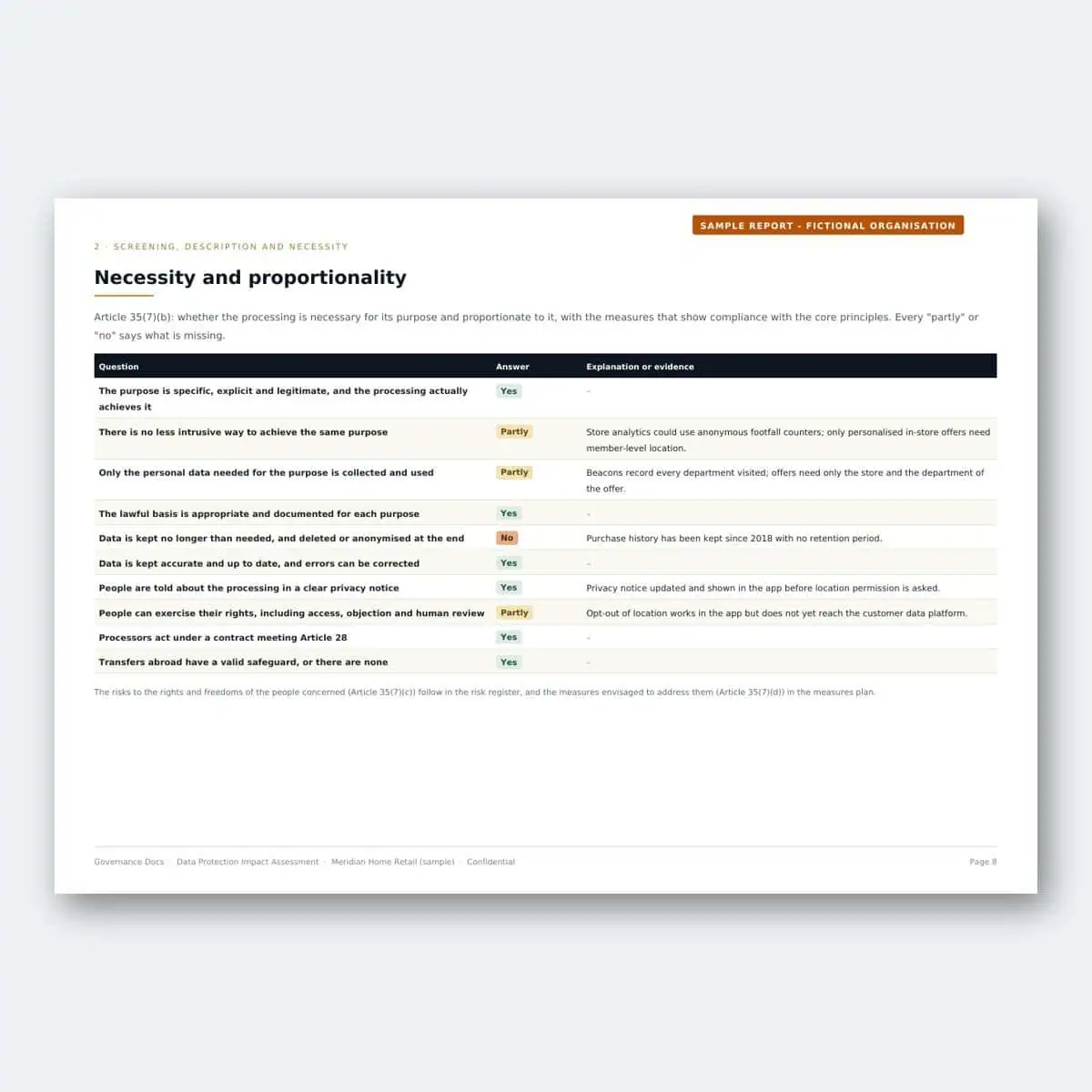
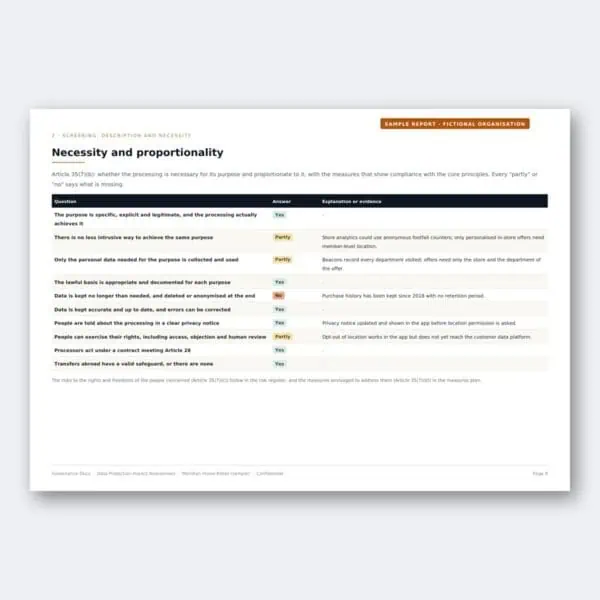
- Necessity and proportionality. Every question answered yes, partly or no, with the explanation or evidence, as Article 35(7)(b) requires.
- Every risk to individuals, highest level first. With its owner, the harm to people it would cause, the safeguards already in place, its likelihood, severity and level, and the rationale for the rating.
- The measures by due date. For each risk: the decision, the planned actions, the data protection measures it relies on (each referenced to its GDPR article), the owner, the due date and the level before and after.
- The Article 36 check. Whether High or Critical risk remains once the measures are in place, and so whether the supervisory authority must be consulted before processing starts.
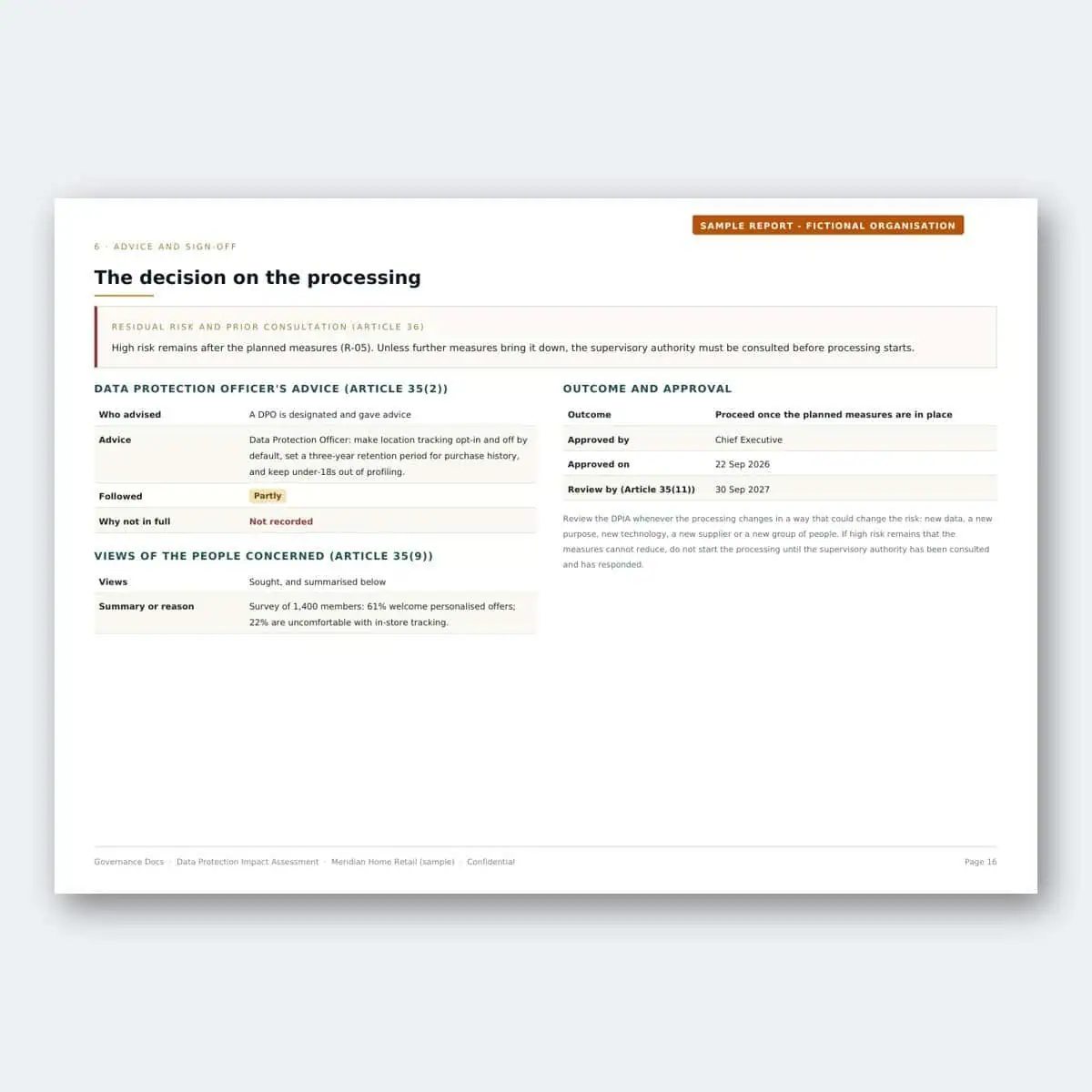
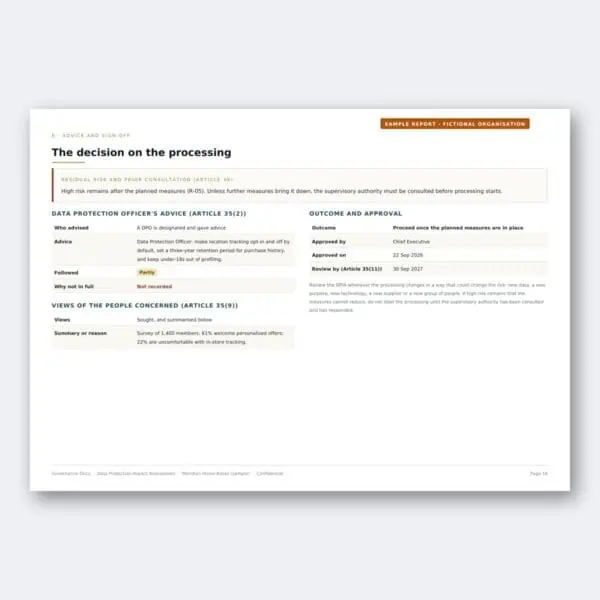
- Advice and sign-off. The DPO’s advice and whether it was followed, the views of the people concerned, the outcome, who approved it and when, and the review date.
- Every finding, with what closes it. Each gap between your DPIA and what Article 35 asks for, and the document that closes it.
- An AI-assisted analysis and 30/60/90-day roadmap. A one-sentence verdict, where you stand and what it means, a statement for senior management, three to five priorities and a roadmap, written from your own answers and checked automatically against them.
The live Excel workbook
A risk register is only useful if it can be kept up to date when something changes, so you also get the register as a working file, not a static export:
- Dashboard: the process score, level and heat maps, recalculated as you edit.
- Criteria: your scales, band ceilings and appetite line, which drive every calculation.
- Scope and Risk register: change a likelihood or impact and the level, band and appetite check update.
- Treatment plan: decisions, actions, owners, due dates, targets and acceptance.
- DPIA record: the screening, description, necessity answers and sign-off as a working record you can keep editing, alongside the register and the list of data protection measures your risks rely on.
How to get it
- Run the free DPIA tool: screen the processing, describe it, test necessity and proportionality, rate the risks to the people concerned, choose the measures and record the sign-off.
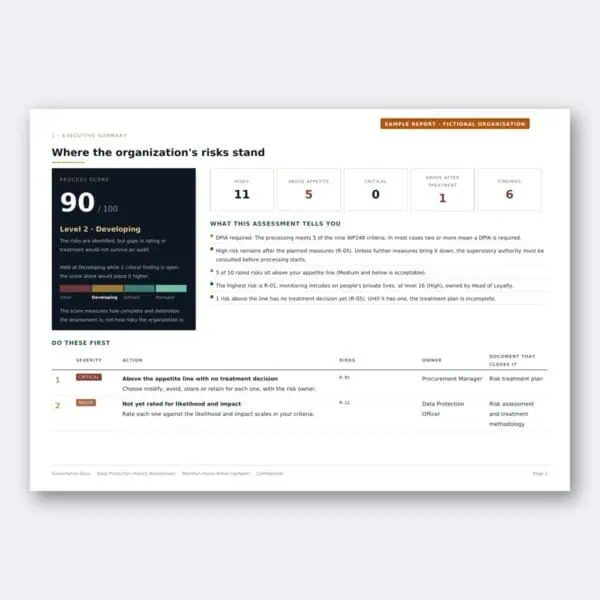
- See your heat map, top risks and findings free on the result page.
- Choose Get the full report. The report and workbook are in your account straight away, and they rebuild from your latest answers whenever you download them.
Built for controllers who need a DPIA under GDPR or UK GDPR Article 35 before starting processing that is likely to result in high risk: new technology, profiling, monitoring, large-scale or sensitive data. One DPIA covers one processing operation, or a set of similar operations.
One payment covers this assessment. Edit it as often as you like and download the updated report at no extra cost. This is a self-assessment built from the information you enter; it is not a certification or an audit opinion.
Guides for the DPIA Report
Free articles that explain the requirements this toolkit covers.




Reviews
There are no reviews yet