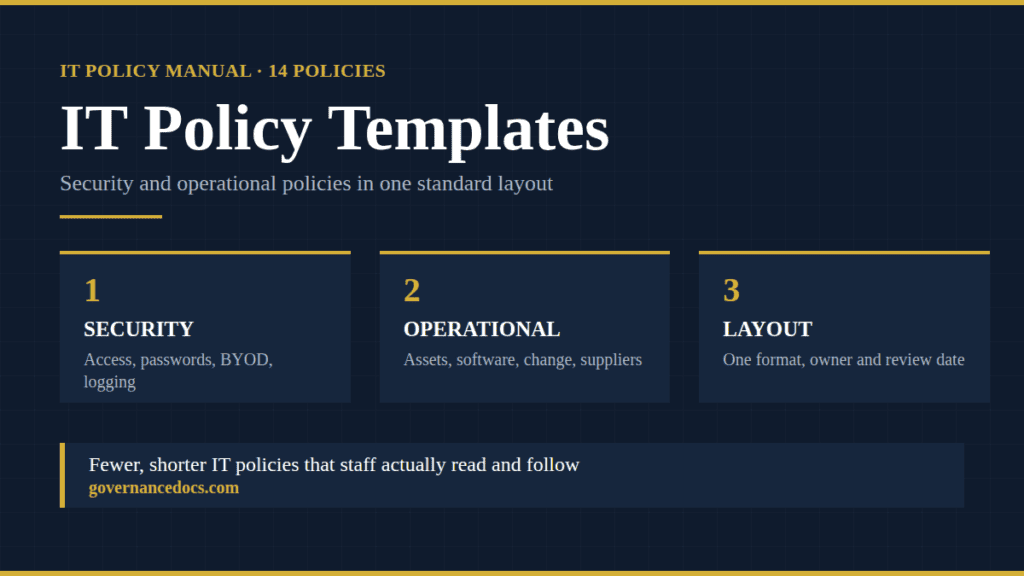
IT policy templates give your IT department one consistent library of rules, from who gets an account to how an old laptop is wiped, instead of a folder of documents written in different styles by different people. Bound together, that library is your IT policy manual.
This guide lists the IT policy templates most companies need, separates security policies from operational ones, gives a standard layout every document can share, and includes an IT security policy template with sample clauses.
What an IT policy manual is, and how it differs from a security policy
NIST’s SP 800-12 Rev. 1, An Introduction to Information Security sorts policy into three types: program policy, which sets up the security program; issue-specific policy, which covers areas such as internet access, email or BYOD; and system-specific policy for individual systems. Most documents in an IT policy manual are issue-specific.
Your program policy is the single top-level information security policy that management signs. A framework-organized cyber security policy set covers risk outcomes. The IT policy manual is wider than both: it holds the security rules users and administrators follow day to day, plus operational policies on hardware, software, change and support.
The same NIST publication separates policy from standards and procedures. Standards make specific technologies or settings uniform, and procedures give detailed steps for a task. Keep IT policies at the policy level and link to the procedures underneath, or every tool change will need management re-approval.
Which IT policy templates a company needs
The table lists the IT policy templates in a typical library for a company of roughly 20 to 500 people. The ISO/IEC 27001:2022 column shows the Annex A control each policy supports, which helps if you are certified or plan to be.
Policy
Type
What it covers
ISO 27001:2022 control
Acceptable use
Security
What staff may do with company systems, email and internet
5.10
Access control
Security
Requesting, approving, reviewing and removing access
Tag each of your IT policy templates as security, operational or mixed. The split decides who approves the document, who audits it and what triggers a review.
Security policies protect confidentiality, integrity and availability. In an ISO 27001 ISMS they are topic-specific policies under Annex A 5.1, so management approves them, staff acknowledge them and they are reviewed at planned intervals.
Operational policies keep IT running and spending under control: purchasing, licensing, support levels. The head of IT or COO usually approves them, and finance often has a say.
Mixed policies such as backup, change and vendor management need both an IT owner and security sign-off. Name both in the document.
A standard IT policy template layout
Every document in the manual should use the same IT policy template. Staff find things faster, reviews take less time, and gaps are obvious. Here is an information technology policy template, filled in with a backup policy as the example:
Section
What to write
Example wording
1. Document control
Policy ID, title, version, owner, approver, effective and review dates
“IT-POL-07 Backup Policy. Version 1.2. Owner: Head of IT. Approved by: COO on [date]. Next review: [date].”
2. Purpose
Why the policy exists, in one or two sentences
“To make sure business data can be restored after loss, corruption or ransomware.”
3. Scope
Systems, data, people and locations covered
“All company-managed servers, SaaS platforms holding business data, and laptops that store work files locally.”
4. Definitions
Only terms a non-specialist would misread
“Restore test: recovering data to a separate location to confirm the backup is usable.”
5. Policy statements
Numbered, testable rules
“5.1 Production databases are backed up at least [daily]. 5.2 At least one copy is kept offline or immutable.”
6. Roles and responsibilities
Who does, approves and checks each rule
“IT Operations runs backups. System owners sign off restore test results.”
7. Compliance and exceptions
How compliance is checked; how exceptions are approved and expire
“Exceptions need written approval from the Head of IT and expire after [6] months.”
8. Related documents
Procedures, standards and forms underneath
“Backup procedure; disaster recovery plan; data retention schedule.”
9. Revision history
What changed, when and who approved it
“1.2, [date]: added SaaS backup requirement. Approved by COO.”
Number policies in one series (IT-POL-01, IT-POL-02) and procedures in another (IT-PRO-01). When someone asks for the backup policy, everyone knows which document is meant.
IT security policy template with sample clauses
Smaller teams often prefer one IT security policy template that holds the main technical rules in one place instead of a dozen separate documents. That works well up to a few dozen staff, and each heading can later become its own policy. Use the layout above and these sample clauses for section 5 of an information technology security policy template:
Accounts and access: “Each user has a unique account. Access follows least privilege, is approved by the line manager and system owner, and is reviewed [quarterly]. Leavers’ accounts are disabled on their last working day.”
Passwords and MFA: “Passwords are at least [14] characters and are not reused across systems. A company password manager is provided. Multi-factor authentication is required for email, remote access and administrator accounts.”
Endpoints: “Company laptops use full-disk encryption, endpoint protection and automatic screen lock after [10] minutes of inactivity. Local administrator rights are restricted to IT.”
Patching: “Critical security updates are applied within [14] days of release. Operating systems and browsers update automatically.”
Backups: “Critical systems are backed up [daily], at least one copy is offline or immutable, and restores are tested [quarterly].”
Network and remote access: “Internal systems are reached remotely only through [the company VPN or zero-trust access service]. Guest Wi-Fi is separated from the corporate network.”
Change: “Changes to production systems are logged, approved by [the change approver] and include a rollback plan. Emergency changes are reviewed after the event.”
Logging: “Security logs are retained for [12] months and alerts are reviewed [each business day].”
Incidents: “Suspected security incidents are reported immediately to [the IT service desk]. Staff do not investigate on their own.”
The bracketed values are typical starting points, not requirements. Set them from your risk assessment and from what your team can actually sustain; a missed self-imposed deadline is still a finding.
Building the IT policy manual from IT policy templates
Start with the five policies that matter most for security: acceptable use, access control, password, backup and incident management.
Give each policy one named owner, by role, not by person.
Write every document in the same layout, using the table above.
Keep procedures separate. If you also need IT service-management procedures for change, incident and request handling, our ITIL 5 Toolkit (57 templates) covers that side.
Collect acknowledgements for the staff-facing policies: acceptable use, password, remote working and BYOD.
Review each policy at least annually and after significant change, and record the review even when nothing changes.
For the ISO 27001 view of which topic-specific policies an ISMS needs, see our ISO 27001 policy templates guide. Most of the IT policy templates above appear there, mapped to Annex A.
IT policy templates FAQ
How many IT policies does a company need?
No law sets a number. Many small and mid-sized companies run 10 to 15 IT policies, close to the table above, and very small teams can combine the security rules into one IT security policy. What matters is that each risk has a rule and an owner.
Are free IT policy templates good enough?
They can be a starting point. Check that each one names your real roles and systems, uses current ISO 27001:2022 control numbers if you cite any, and promises only what your team actually does. Copied text that does not match practice is a problem auditors regularly raise.
What is the difference between an IT policy and an IT procedure?
A policy states what must happen and who is responsible. A procedure gives the step-by-step method. “Backups are tested quarterly” is policy; the restore steps for your backup tool are procedure.
Do IT policy templates satisfy ISO 27001?
They can cover the topic-specific policies required by Annex A 5.1 if each one is approved, published, communicated, acknowledged and reviewed. ISO 27001 also needs the top-level policy, risk assessment, Statement of Applicability and evidence that the system operates.
Who should approve IT policies?
Security policies are usually approved by senior management or the ISMS owner. Operational policies are usually approved by the head of IT or COO. Involve HR for staff-facing policies, since breaches may lead to disciplinary action.
Our ISO 27001 Toolkit provides 165 editable templates for an ISMS and the IT policies around it — including Acceptable Use, Backup, BYOD and Change Management policies — for $99.
When a standard changes, know first
One email a month: edition changes, new deadlines, and what they mean for documentation you already have. No sales sequence.