

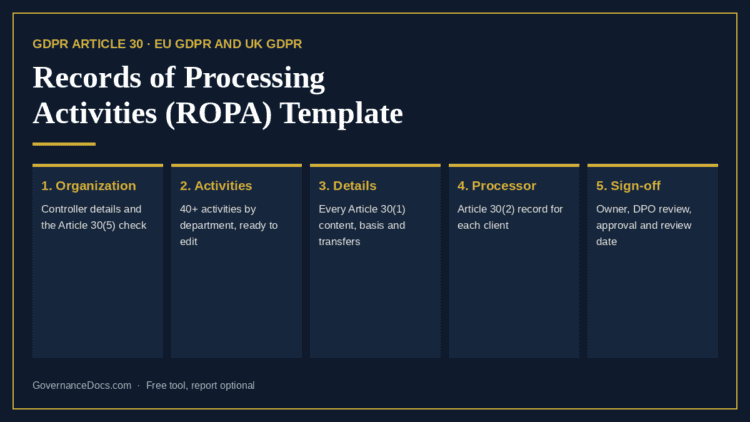
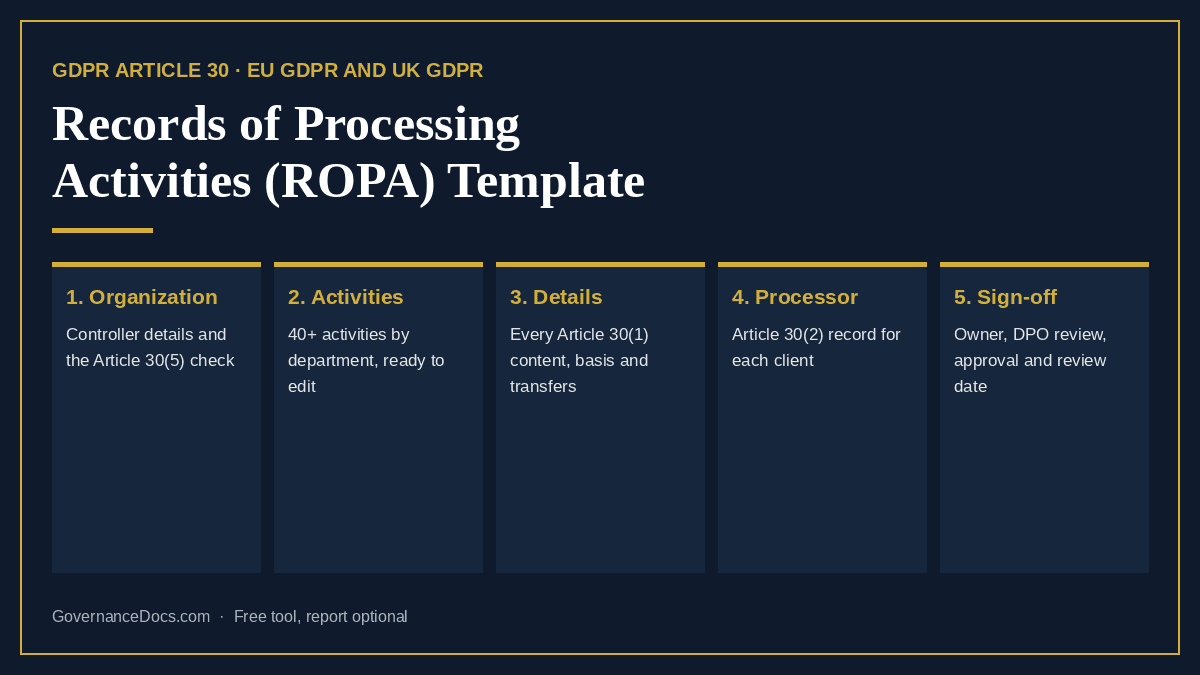
This free ROPA template builds your records of processing activities the way Article 30 of the GDPR sets them out, instead of leaving you with a blank spreadsheet. Check whether the record is required in full, add your processing activities from a library organized by department, complete the contents Article 30 asks for, and see straight away which activities are missing a lawful basis, a transfer safeguard, a DPIA or a legitimate interests assessment.
It covers both the controller record in Article 30(1) and the processor record in Article 30(2), and adds the fields the ICO’s documentation guidance and EU supervisory authorities recommend, such as the lawful basis, the Article 9 condition and the source of the data. It works for the EU GDPR and the UK GDPR. It is free, and your answers save as you go.
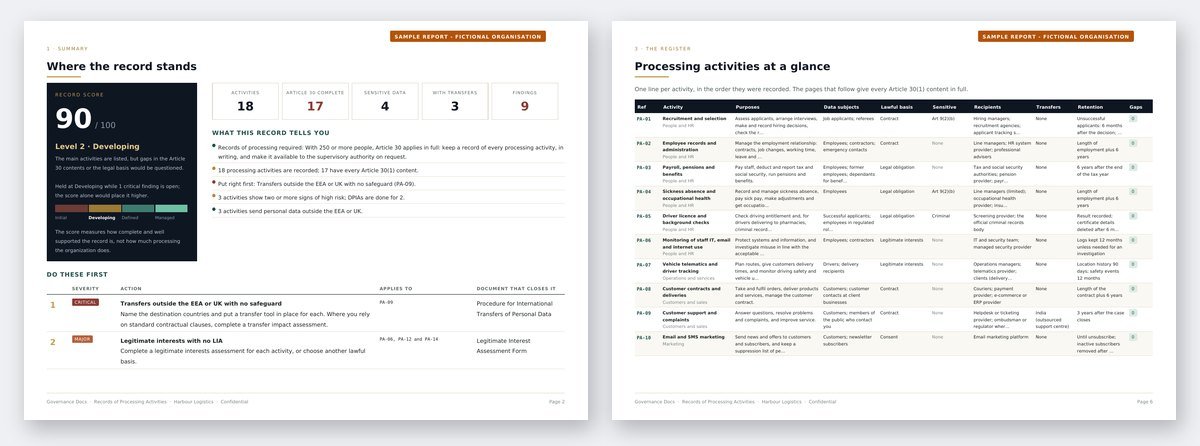
Premium report
See what the premium records of processing activities report looks like
A worked record of processing activities for a fictional organization: the controller's details and the Article 30(5) check, the register of activities, one page per activity with every Article 30 content, the lawful bases, transfers and retention, every finding with what closes it, an AI-assisted analysis with a 30/60/90-day roadmap, plus the Excel register.
What this ROPA template covers
- Your organization. The controller’s name and contact details, the representative, the data protection officer and any joint controllers, as Article 30(1)(a) requires, and whether you are a controller, a processor or both.
- The Article 30(5) check. Four questions show whether the exemption for organizations with fewer than 250 people could apply. It rarely does: processing that is regular, likely to result in a risk, or involves special category or criminal offence data always has to be recorded.
- Your activities. Over 40 typical processing activities across HR, customers, marketing, finance, IT and security, legal and operations, each with suggested wording for the purposes, data, recipients and retention to check and correct. Add your own as blank entries.
- Each activity in full. Purposes, categories of data subjects and personal data, recipients, transfers outside the EEA or UK with the transfer tool, time limits for erasure and security measures, plus the lawful basis, Article 9 and 10 conditions, source, processors and Article 28 contracts, systems, owner and the signs of high risk that point to a DPIA.
- Your processor record. If you process data for clients: each controller, the categories of processing, sub-processors, transfers, security measures and the contract in place.
- Sign-off. Who keeps the record, whether the DPO has reviewed it, who approved it and when it will next be reviewed.
What you get from the ROPA template, free
The register at a glance, a record score out of 100 that shows how complete and well supported the record is, and the findings a supervisory authority would raise: special category data with no Article 9 condition, transfers with no safeguard, missing Article 30 contents, legitimate interests with no LIA, likely high-risk processing with no DPIA, processors with no contract and retention with no real limit. Sign in and it stays in your account, ready for the next review.
The full ROPA report turns the ROPA template into a finished record you can hand over: the controller’s details, the register, one page per activity with every Article 30 content, the processor record, every finding with the document that closes it, and an AI-assisted analysis with a 30/60/90-day roadmap. You also get the register as an Excel workbook in the column layout supervisory authorities’ templates use, with transfer and retention schedules.
Where the ROPA template fits
The records of processing are the map the rest of your GDPR programme is built on. Our guide to records of processing explains why the 250-employee exemption almost never applies. When an activity shows signs of high risk, run a DPIA; when it relies on legitimate interests, complete a legitimate interests assessment; and when data leaves the EEA or UK under standard contractual clauses, a transfer impact assessment. To see how far your programme is from the regulation as a whole, run the GDPR gap assessment. For the policies, procedures and notices around it, see the GDPR Toolkit.
Frequently asked questions
Who has to keep records of processing activities?
Every controller and processor, under Article 30 of the GDPR. Organizations with fewer than 250 people are exempt only for processing that is occasional, unlikely to result in a risk and does not involve special category or criminal offence data. Payroll and customer records are regular processing, so almost every organization needs a record. A European Commission proposal of May 2025 would raise the threshold to 750 employees; until a change is adopted and in force, the current rules apply.
What is the difference between the controller and processor records?
A controller records its own processing: why it uses personal data, whose data it is, who receives it, where it goes, how long it is kept and how it is protected. A processor records what it does for each client: who the client is, the categories of processing, transfers and security measures. Many service providers keep both, and this ROPA template handles both.
Is a ROPA the same as a data map?
They overlap. A data map shows how data flows between systems and organizations; a ROPA is the legal record, organized by processing activity and purpose, with the contents Article 30 requires. Most organizations build the ROPA first and draw data flow diagrams for the activities that need them.
Can I get the ROPA template in Excel?
Yes. The free ROPA template runs in your browser and keeps your record in your account. The full report includes the register as an Excel workbook, with drop-downs for the lawful basis, Article 9 conditions and transfer tools and a column that flags missing Article 30 contents, so you can keep the ROPA template up to date offline.
How often should the ROPA be updated?
Whenever a process, system or supplier changes, and reviewed as a whole at least once a year. The record is only useful to a supervisory authority, or to you, if it describes what you do now.
What happens to the information I enter?
It is stored with your record so you can come back to it, and it is never shared. Describe processing by category rather than entering any real personal data. You can delete a record permanently from your account at any time. This is a self-assessment built from the information you enter; Governance Docs does not review or verify it, and it is not legal advice.